GitHub Copilot on a Local Model in Windows Server: It Runs, Just Slowly
- Michael Niehaus
- 980 views
GitHub Copilot runs Microsoft's MAI Code 1.1 Flash locally on a passed-through RTX 5060 Ti, but a refactor took about 15 hours versus 20 minutes in the cloud.
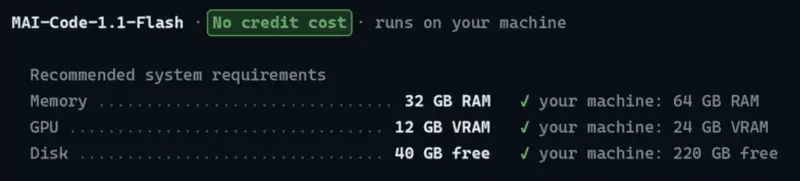
Most teams still reach AI models through the cloud, but on-prem inference is starting to look practical for some workloads. GitHub's documentation now covers running local models in the GitHub Copilot app, which made it a fair test case. I wanted to see whether a single workstation I already had could handle it, and to pick Microsoft's new MAI Code 1.1 Flash model as the local option.

The Windows Server problem
The setup looked straightforward on paper. I followed the GitHub documentation from start to finish, and the final step, downloading the model, failed. The reason was that the support the local model path needs isn't present in Windows Server 2025. I'd missed that requirement while skimming the docs, which is an easy mistake to make and a more expensive one to recover from.

My only machine with suitable hardware is a Lenovo ThinkStation P620 that also hosts my Hyper-V lab VMs. Rebuilding it on Windows 11 wasn't an option. That left a workaround: pass the NVIDIA GeForce RTX 5060 Ti through to a VM using Discrete Device Assignment (DDA). DDA removes the device from the host and hands it to the guest, so the host loses that card entirely.

The card was also the host's only video output, and I rely on RDP but still want a local console if networking breaks. I solved that by moving an older NVIDIA Quadro P620 into the one free PCIe slot and making it the primary adapter. Only then could I assign the RTX card to the VM.

The passthrough itself caused trouble. After installing the driver in the VM and rebooting, Windows reported "This device cannot find enough free resources that it can use. (Code 12)." The fix was to shut the VM down, complete the final assignment step, and boot again. Once that worked, the GPU was visible inside the VM. The whole detour cost about three hours before I got back to step one of the original guide. Teams in this position should expect that kind of overhead if they try this on a host that also serves other workloads.

Installing the runtime
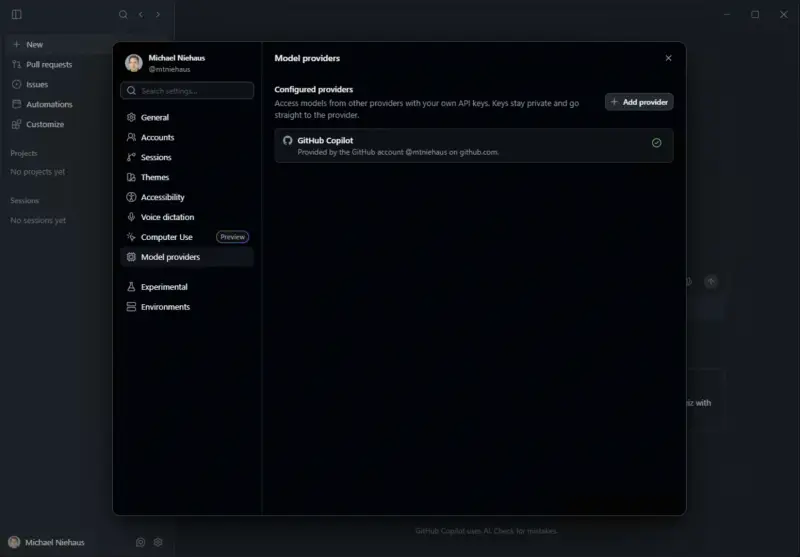
GitHub Copilot's app uses cloud models by default. It can load local models, but it doesn't include the inference engine, so you need llama.cpp. Installing the Copilot app itself was simple through Winget, and I had never used it before. I had earlier used a free GitHub Copilot Pro subscription from VS Code and Visual Studio. When that expired, I couldn't sign up for a paid plan because Microsoft was not accepting new customers because of what it described as "capacity issues," so I had moved to Claude.
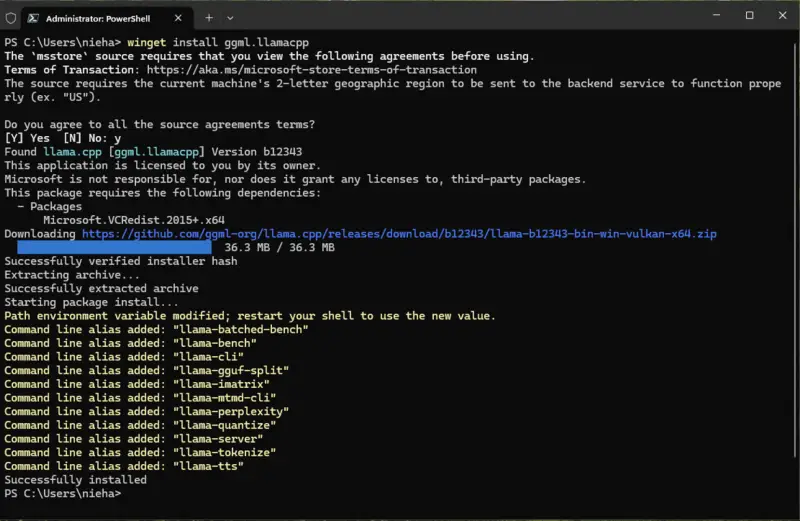
The documented llama.cpp instructions call for downloading and extracting zip files from GitHub. I took a shortcut through Winget. Its package was still on build b12343 even though llama.cpp 1.0 had just shipped, but that build met the version GitHub's documentation specifies, so I went with it. After installing, I used PowerShell to find the package path, which is a long folder under the WinGet packages directory. I then set the LLAMACPP_SERVER_PATH environment variable to point at llama-server.exe. PowerShell has no native way to set a persistent variable, so I used SETX, which feels like a workaround but does the job.
The Winget build detected the GPU only as a Vulkan device. To get CUDA, I had to download matching CUDA binaries from the llama.cpp GitHub releases page. Microsoft's guidance points to arm64 files, which makes sense for RTX Spark hardware such as the Surface Laptop Ultra, but this is an x64 machine. I found the release that matched my build, extracted both zip files into the llama.cpp folder without creating subfolders, and chose not to replace existing files. After that, the device list showed a CUDA entry alongside Vulkan.
There's a maintenance cost here. Future Winget updates will probably not include the CUDA DLLs, so I'll have to repeat that manual step after each update. I'd like llama.cpp to ship a complete package, but for now this is the price of the shortcut.
Connecting Copilot to the local model
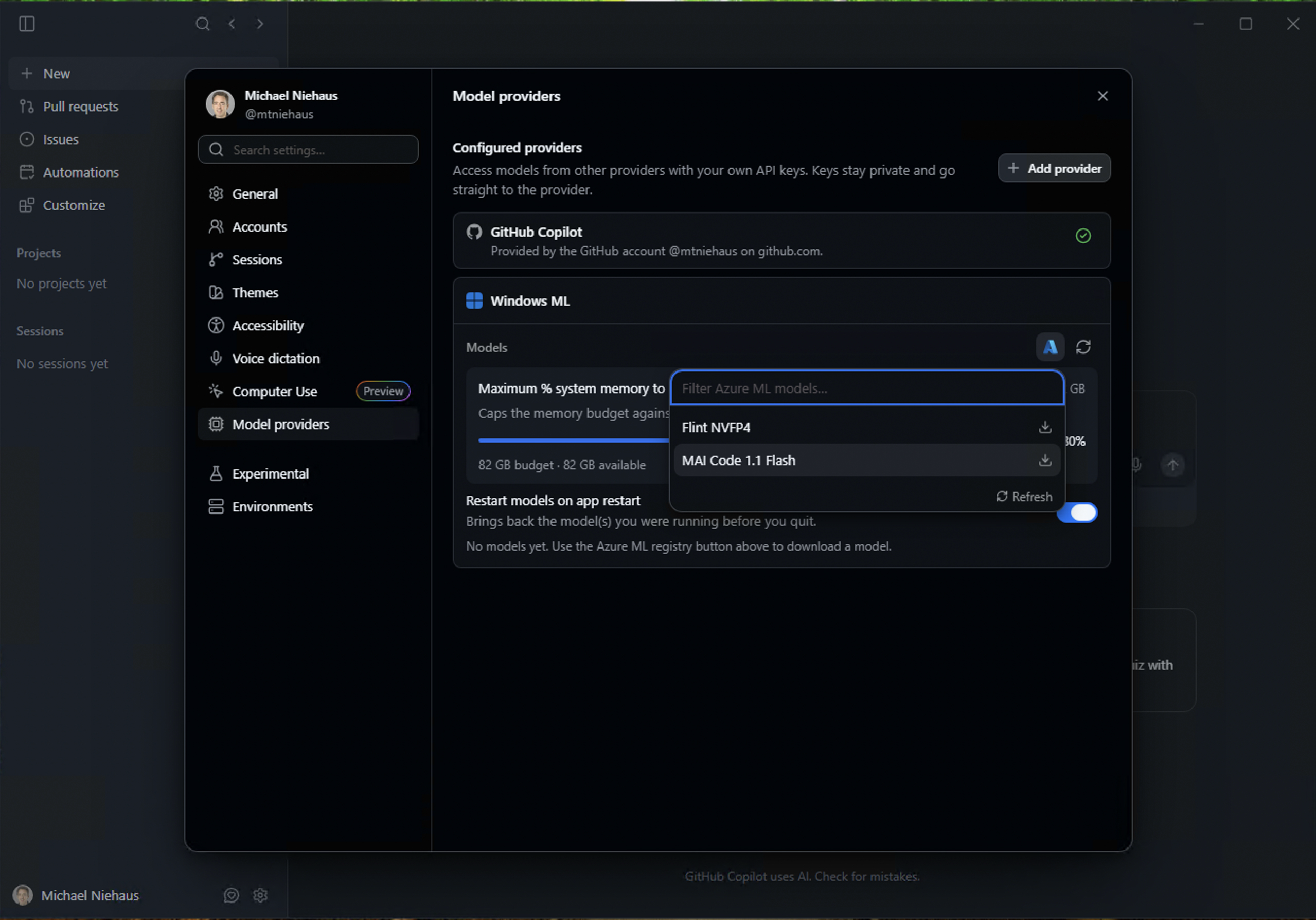
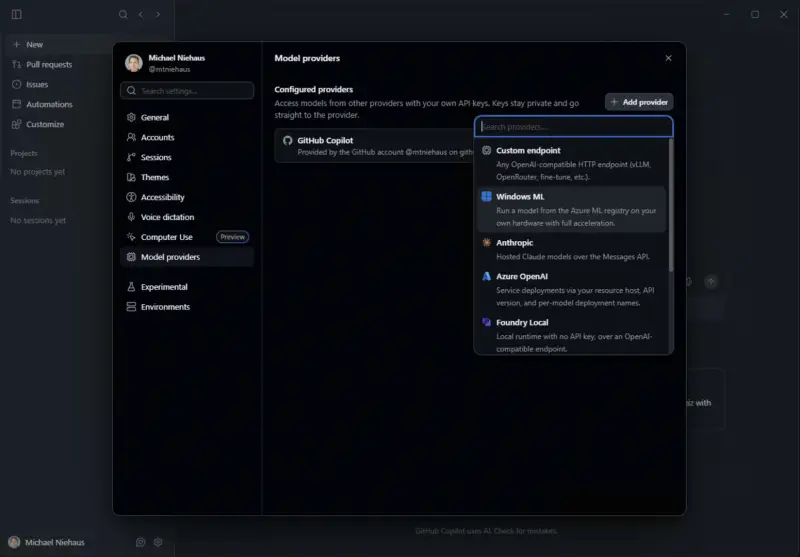
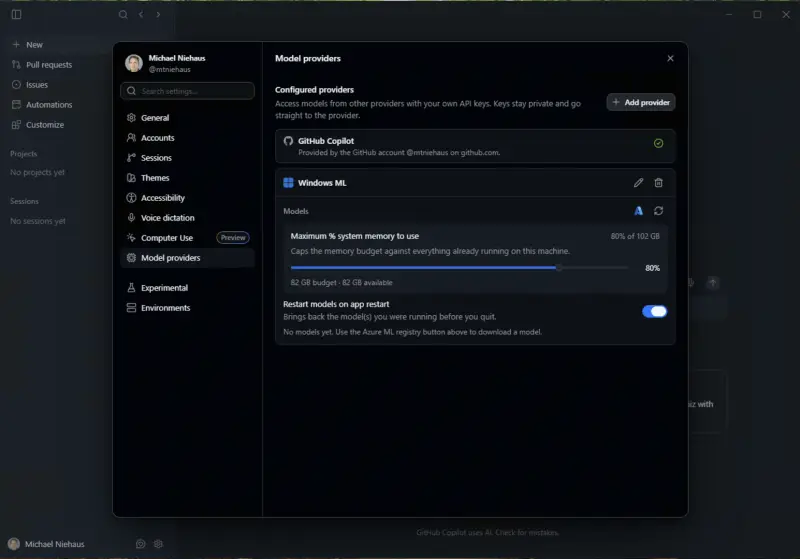
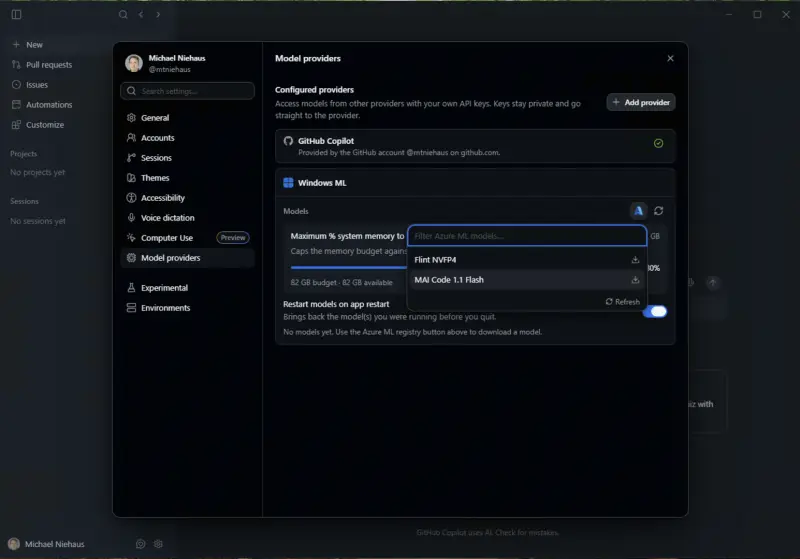
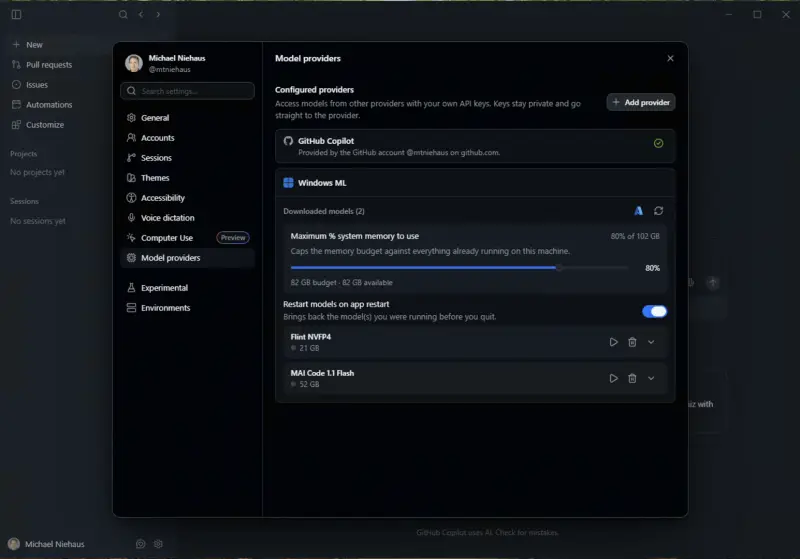
Copilot defaults to the cloud provider, so I added a provider and selected Windows ML. The VM has 128GB of RAM, and Copilot detected about 102GB as available. It caps model memory at 80% of that figure, which protects the guest from overcommitting. From the model list, I downloaded both available models, which took a noticeable amount of disk space. Then I started MAI Code 1.1 Flash. Starting the model launched a llama-server.exe process to host it. At that point the whole chain worked.
The real test
For a fair comparison, I reused a task I had already given Claude on a cloud model: refactor roughly 1,000 lines of code into a more modular structure, described in one short paragraph. Claude finished in about 20 minutes and did a solid job. I gave Copilot with the local model the same code and the same instructions.
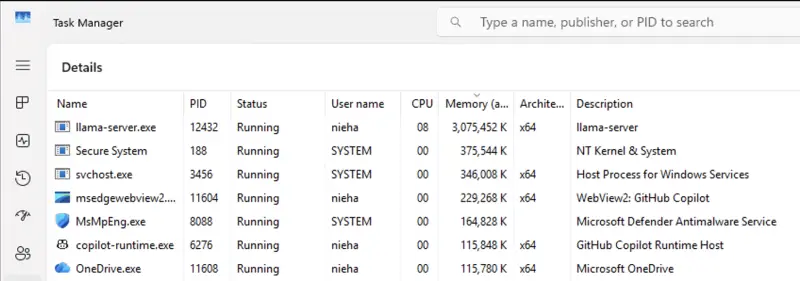
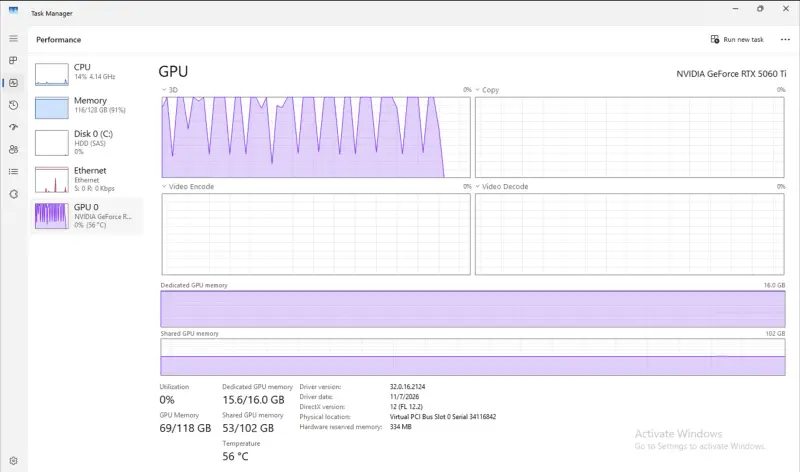
Resource use matched what you'd expect. The model consumed a large share of memory, the GPU stayed busy, and the CPU barely registered load. Copilot eventually produced a working refactor. It was structurally different from Claude's output, though still a credible piece of work.

The time difference is the headline. Claude took about 20 minutes. The local MAI Code 1.1 Flash run took about 15 hours.
What this means for your environment
My read is that local inference works, but this experiment only shows that it is possible on hardware most teams won't have. Getting the stack running took a day's worth of workarounds, from the Windows Server gap to the CUDA binaries to the passthrough reset. Hardware is the other limit. Running this well takes a lot of RAM and a capable GPU, and the cost of that gear will matter more than the software licence, which is zero.
If you're evaluating this for an enterprise or MSP setting, check the OS support requirements before you touch a server, not after. Test on a machine you can afford to rebuild. Keep an eye on llama.cpp packaging, because a shipped, complete CUDA build would remove the most fragile step. For now, the cloud still wins on time, and local models make sense mainly where data residency or offline use outweighs speed.